Skins For Roblox Clothes
uschultz
Installs
1M+
Developer
uschultz
-
Category
Casual
-
Content Rating
Everyone
Developer Email
Privacy Policy
https://docs.google.com/document/d/1Viah_uwiDxv52wUQFVOxL6s9FipVyZIMNYYxhE_qk14/edit?usp=sharing
Screenshots
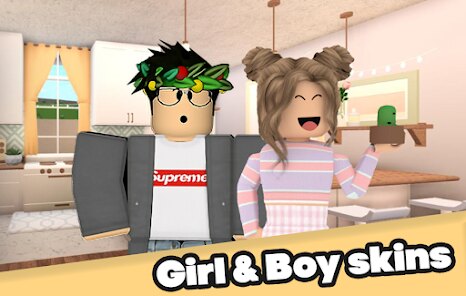
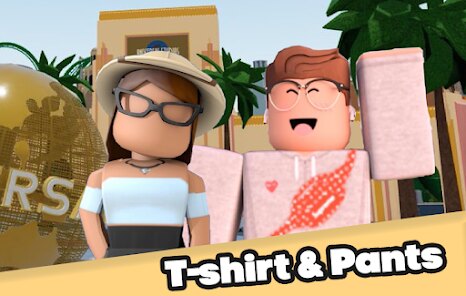
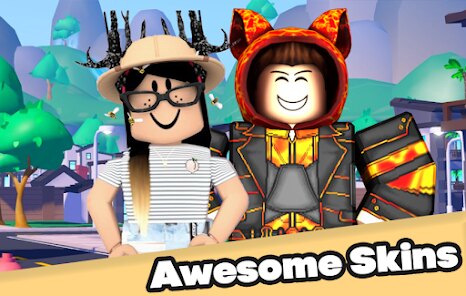
In-Depth Game Analysis
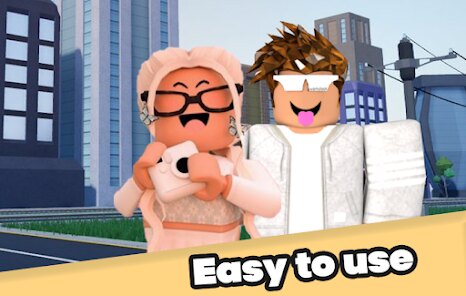
Let's cut to the chase: Skins For Roblox Clothes is not a game in the traditional sense, but a creation and utility tool for Roblox players who want to design or browse custom avatar outfits. It sits in the same space as asset browsers, clothing template hubs, and catalog explorers. The core loop is simple: load it up, scroll through a library of skins and clothing templates, preview them on a Roblox rig or avatar, and then either use them directly or export the design for your own use. This is aimed squarely at creative builders, avatar fashion enthusiasts, and younger players who spend more time in the Roblox ecosystem than in any single experience. I first noticed it while digging through community-made tools after getting tired of the same oversized hoodies and default faces. The pitch was straightforward: a centralized place to find and inspect clothing skins without hopping between sketchy websites or Discord servers. That alone got my attention.
My first session was a mixed bag. The interface is clean enough, and the preview system loads quickly, but the initial library felt thinner than I expected. It took a few minutes to understand the navigation, mostly because the categories are not labeled in a way that matches how Roblox players actually search for items. Once I adjusted, I started finding some genuinely solid templates. One standout moment was previewing a layered streetwear set on a rig and realizing I could toggle individual pieces on and off. That small feature made the tool feel more like a design assistant than a static gallery. Performance was stable on both desktop and mobile browser, though some higher-detail skins took a second to render. The lack of a proper search filter by color or style hurt immersion, and I found myself scrolling past a lot of duplicates.
I kept using this over similar tools because it does one thing well: it lets you see clothing skins in context rather than as flat images. Other sites dump a folder of PNGs on you and call it a day. Here, the preview and layer toggling made it easier to judge whether a design actually worked on a Roblox body type. That said, it will not replace dedicated creation suites like Blender or even Roblox Studio for serious designers. It is a browsing and light-preview tool, and it succeeds at that. If the library grows and the filtering improves, it could become a regular stop for avatar creators. For now, it is a useful companion, not a full replacement.
Core Gameplay Features
- Instant avatar preview 🎮: You can see clothing skins on a Roblox-style rig immediately, which helps you judge fit and proportion before committing to a design.
- Layer toggle system 🧥: Individual pieces of an outfit can be switched on or off, making it easy to mix and match tops, bottoms, and accessories without reloading the whole model.
- Export-friendly templates 📤: Many skins come as editable templates that can be pulled into external editors, which saves time compared to recreating shapes from scratch.
- Cross-device browsing 📱: The tool runs in a browser and works on phones and tablets, so you can scroll through skins during downtime without needing a PC.
Strengths & Highlights
- Contextual previews 👀: Seeing clothes on a rig instead of a flat image is a huge help. It removes the guesswork that comes with most template galleries.
- No forced account or paywall 🚪: You can browse and preview without signing up or hitting a paywall, which respects the user and keeps friction low.
- Lightweight and fast ⚡: The tool loads quickly and does not demand a powerful device. That matters for the younger Roblox audience that often plays on school laptops or budget phones.
- Community-oriented library 🤝: There is a clear sense that the skins are gathered for players, not scraped for ad revenue. The selection leans toward styles that actually show up in popular Roblox games.
Limitations to Consider
- Weak search and filtering 🔍: There is no reliable way to filter by color, style, or item type. A simple tag system would save a lot of scrolling.
- Duplicate and low-quality entries ♻️: The library repeats itself, and some skins are clearly low-effort. Curation or user reporting would raise the overall quality.
- Limited editing within the tool ✏️: You can preview and toggle, but you cannot tweak colors or shapes in-app. Even a basic recolor option would make it far more useful.
- Unclear ownership and credit 🏷️: It is not always obvious who made a skin or whether it is free to use. Clear licensing notes would build trust and protect creators.
Recommended Apps
![]()
Chibi Dolls Dress Up Makeover
Squishy Game Studio3.4
![]()
Ramp Car Games: GT Car Stunts
Fun Drive Games4.5
![]()
Tsunami Escape Run For Memerot
Extreme Games Production0![]()
Smashero.io - Hack n slash RPG
KLASH Games Inc.4.7![]()
Build A Queen
Supersonic Studios LTD4.4![]()
Kitty Sort: Twisted Tails
Smart Project GMBH4.6![]()
Papa's Cupcakeria To Go!
Flipline Studios4.3![]()
L.O.L. Surprise! Disco House
TutoTOONS4![]()
Delta Force
Level Infinite4.5![]()
Dress to impress
DAKI, OOO2![]()
Kpop Games Demon Hunter
Rampage Studios4.2![]()
Space shooter - Galaxy attack
1SOFT4.8![]()
Sprint Master Sim: Athlete Run
Agro Smart0![]()
Ragdoll Break: Let's destroy!
KAYAC Inc.4.4![]()
Super Mario Run
Nintendo Co., Ltd.3.9



You May Like
-
![]()
Bike Race: Racing Game
iKame Games - Zego Studio4.6 -
![]()
Amaze GO!
Oakever Games4.6 -
![]()
Fish It
Team-Rex0 -
![]()
L.O.L. Surprise! Disco House
TutoTOONS4 -
![]()
Match Triple Life
ORANGE GAME4.7 -
![]()
Real Commando:Secret Mission
World W Games3.6 -
![]()
Papa's Donuteria To Go!
Flipline Studios4.6 -
![]()
Disney Solitaire
SuperPlay.4.9 -
![]()
Gacha Club
Lunime4.5 -
![]()
PUBG MOBILE
Level Infinite4.3 -
![]()
Music Monster: Horror DIY
Amusing Critters Game3.4 -
![]()
Motocross Bike Racing Game
SUPERIOR STUDIO4.4 -
![]()
Plants Vs Brainrots
Veron Media, LLC4.4 -
![]()
Sword Play! Ninja Slice Runner
CASUAL AZUR GAMES4.6 -
![]()
Animal Rescue Care
AuraEffects4.2